
 11
11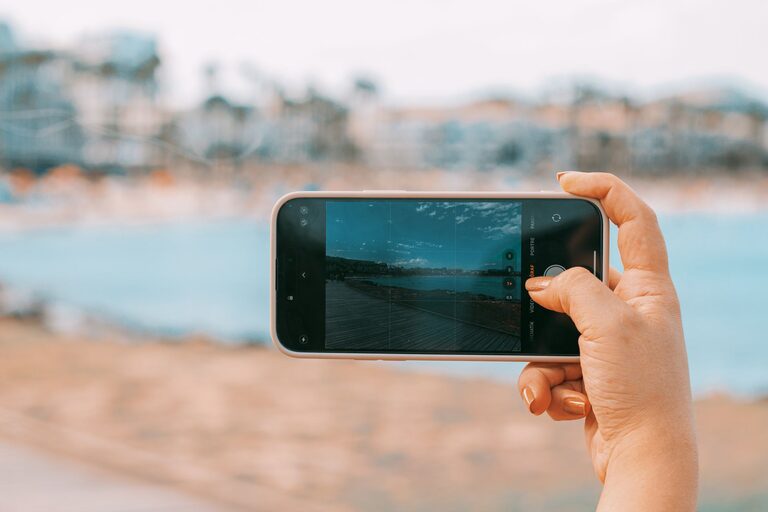
Taking great photos with your phone is easier than you might think. With the right techniques and a few simple adjustments, you can turn everyday moments into stunning images. Whether you’re new to photography or just want to get the most out of your smartphone camera, these beginner tips will help you take better phone photos.
Before you start snapping photos, take a moment to explore your phone’s camera settings. Most smartphones come with several modes like portrait, panorama, night mode, and HDR. Knowing what these features do can help you use them to your advantage.
– HDR (High Dynamic Range): Helps balance the light and dark areas in your photos.
– Portrait Mode: Focuses on your subject while blurring the background for a professional look.
– Night Mode: Enhances photos taken in low light conditions.
Experiment with these modes to see which ones work best for different situations.
A simple but often overlooked tip is to keep your camera lens clean. Since your phone is always in your pocket or bag, dust, fingerprints, and smudges can easily cover the lens, making your photos look blurry or hazy.
– Use a soft microfiber cloth to gently wipe the lens.
– Avoid using harsh chemicals or abrasive materials.
Cleaning your lens regularly ensures your photos are sharp and clear.
Lighting is one of the most important factors in photography. When taking photos with your phone, natural light usually produces the best results.
– Try to shoot during the “golden hours” — shortly after sunrise or before sunset — when the light is soft and warm.
– Position yourself so that the light is illuminating your subject, avoiding harsh shadows or overexposure.
– When indoors, stand near windows to take advantage of natural light.
If you must shoot in low light, use your phone’s night mode or find well-lit areas to improve image quality.
Most smartphones automatically focus on the subject, but you can take control to improve your pictures.
– Tap the screen where you want the camera to focus.
– Adjust the exposure (brightness) by sliding your finger up or down if your phone allows it. This helps prevent photos from being too dark or too bright.
Practicing control over focus and exposure helps your images look more balanced and professional.
Blurry photos often result from camera shake. To reduce this:
– Hold your phone with both hands.
– Keep your elbows close to your body.
– Lean against a stable surface if you need extra support.
You can also use a small tripod or place your phone on a flat surface for more stability, especially in low-light conditions.
Good composition can make a huge difference in your photos. Here are some beginner-friendly tips:
Imagine your screen divided into a 3×3 grid. Place your subject along these lines or at their intersections to create a balanced and interesting image. Most phones allow you to turn on gridlines to help with this.
Lines in your scene, like roads, fences, or bridges, can guide the viewer’s eye toward your subject, adding depth to your photo.
Avoid cluttered backgrounds or distractions that take attention away from your main subject. A clean, focused composition often produces stronger images.
Don’t just shoot from eye level. Try different angles to make your photos more dynamic:
– Get low to the ground for a unique viewpoint.
– Shoot from above to capture patterns or groups.
– Move around your subject to find the most flattering perspective.
Changing your point of view adds interest and creativity to your photos.
Even a small amount of editing can make your photos look much better. Most phones come with built-in editing tools, or there are many free apps available.
Basic adjustments to consider:
– Crop to improve composition.
– Adjust brightness, contrast, and saturation to enhance colors.
– Use filters sparingly to keep your photos natural-looking.
Editing is about enhancing your photo, not changing it completely.
The best way to improve your phone photography is to practice regularly.
– Take photos in different lighting conditions and environments.
– Experiment with various subjects like landscapes, portraits, and close-ups.
– Review your photos to see what works and what doesn’t.
Over time, you’ll develop an eye for what makes a great photo and learn how to use your phone’s camera effectively.
—
Taking better photos with your phone is all about paying attention to light, composition, and technique. With these beginner tips, you’re well on your way to capturing beautiful moments effortlessly. Happy shooting!